
Play against Claude.
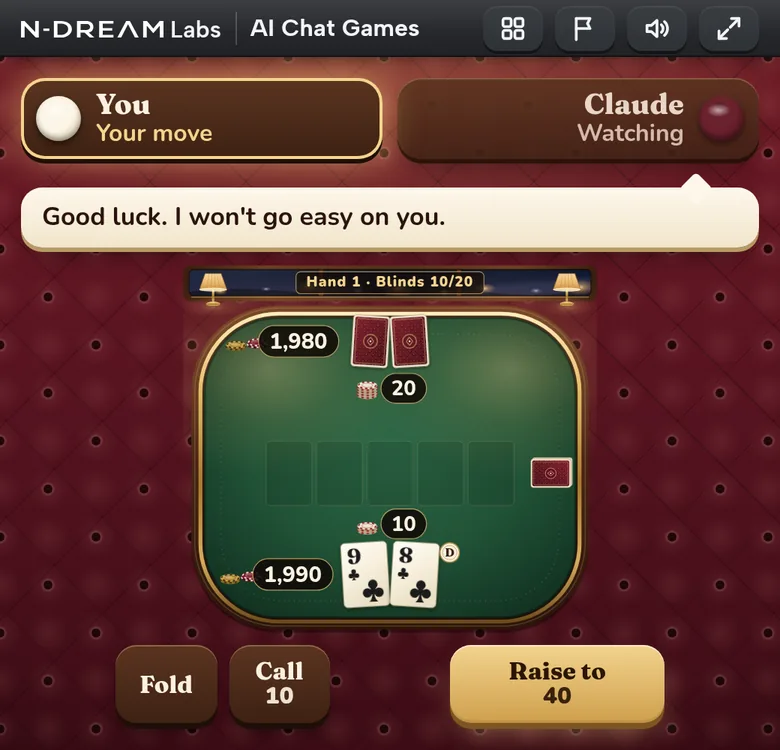
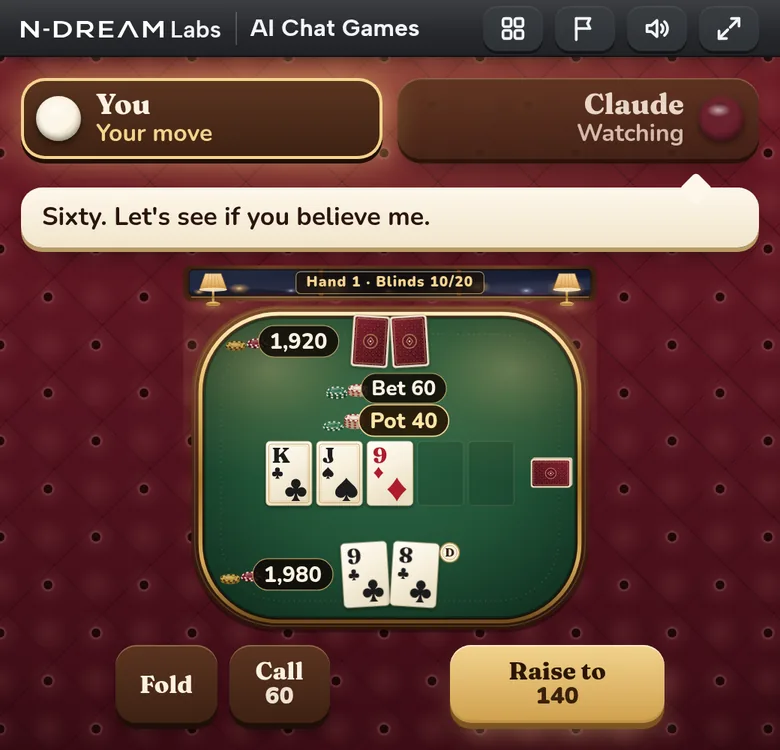
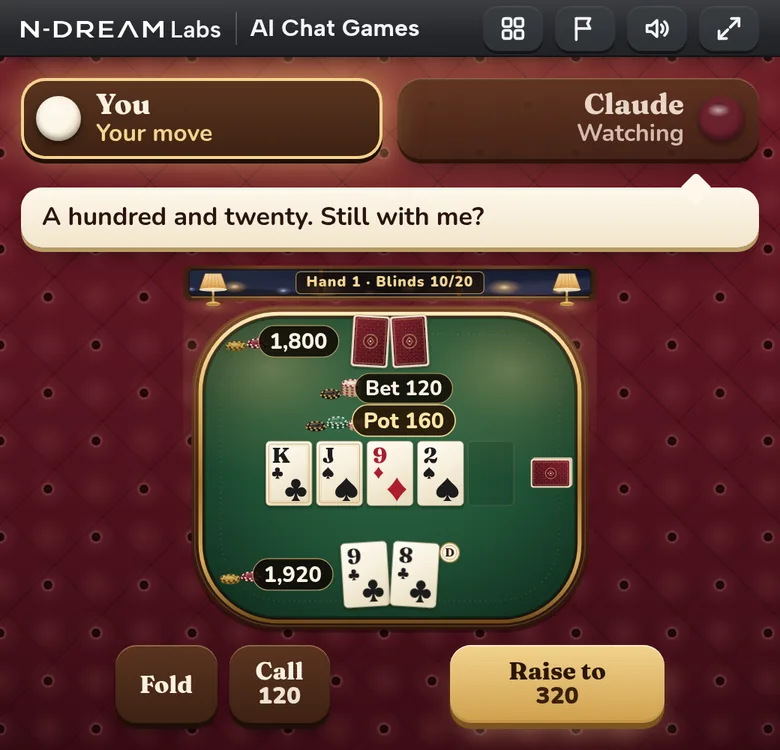
AI Chat Games by N-Dream Labs puts poker, dice and board games right in your chat. Claude makes every move itself, talks at the table and bluffs. Can you tell when it's bluffing?
Opens claude.ai with the Claude connector filled in. You only click Add.
Let's play a game
Pick one. I'm ready for any of them.
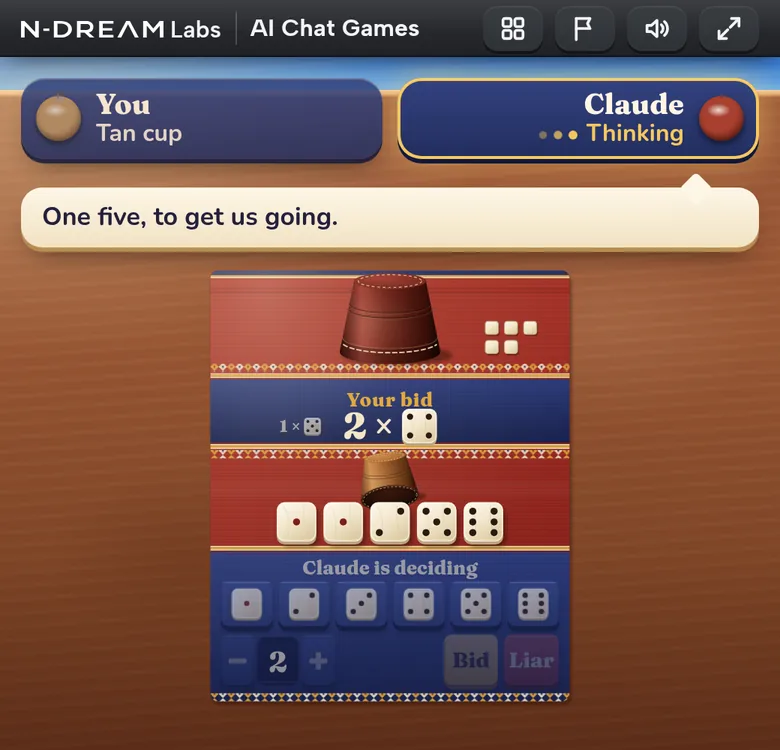
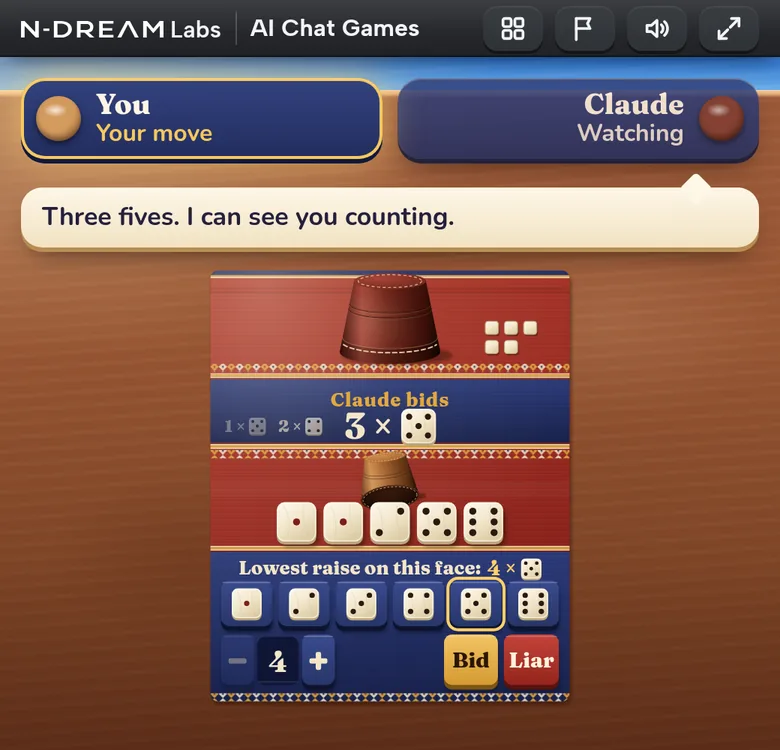
Now Liar's Dice
Cups down. I'll bid first.
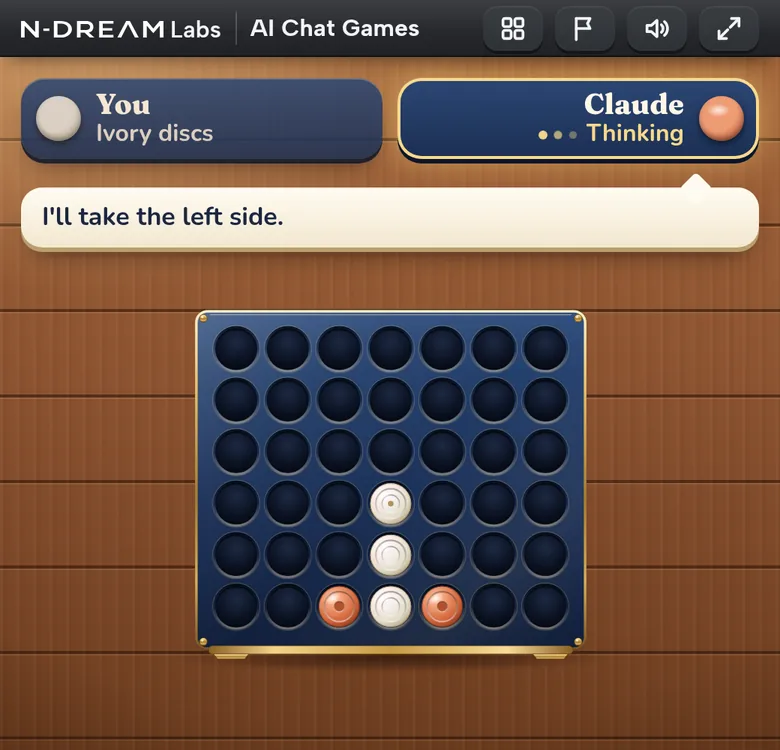
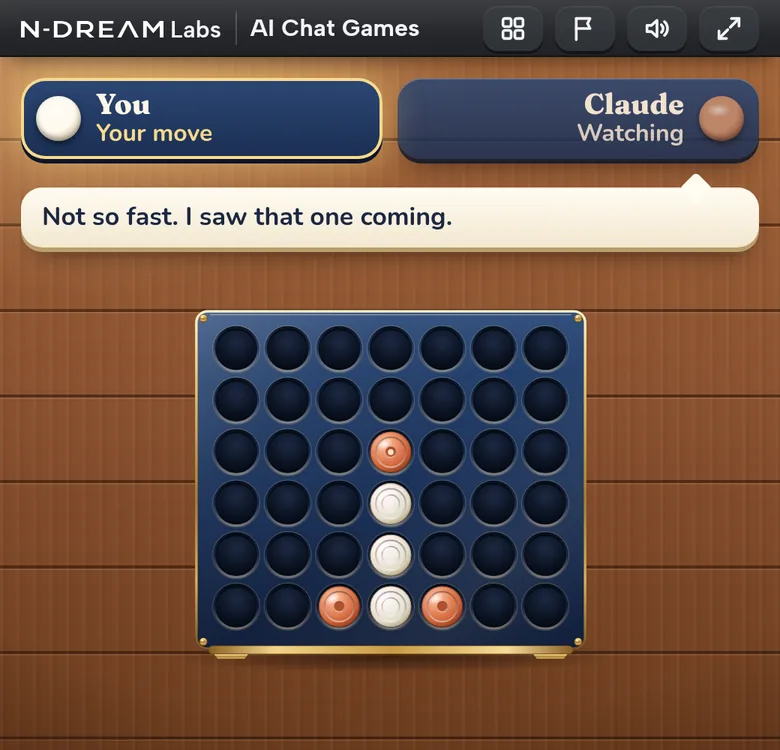
Four in a Row?
You start. I'm watching the middle.
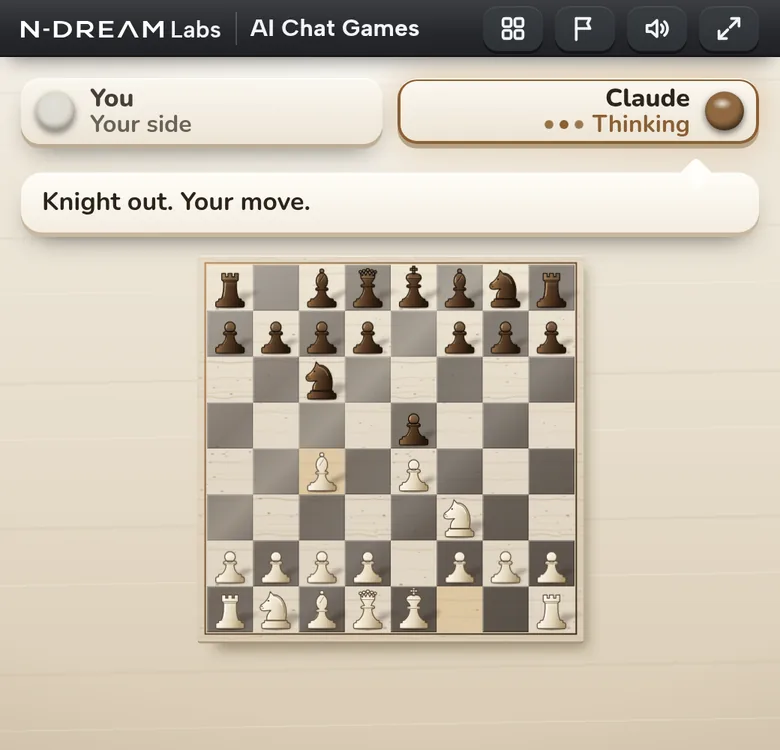
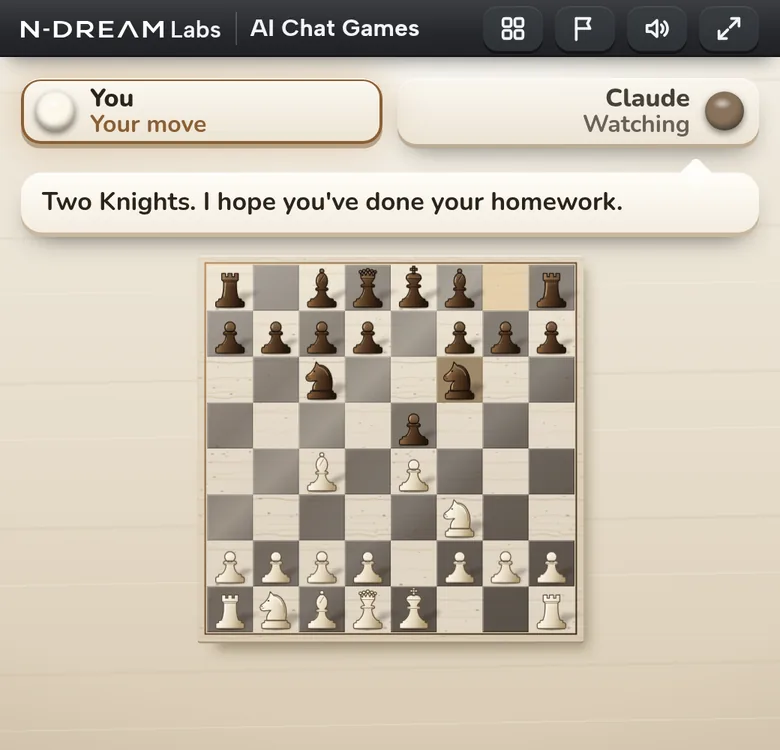
Chess against you
You have White. Good luck.

How to play
- 1
Click “Add to Claude”. claude.ai opens the “Add custom connector” dialog, already filled in. Click “Add”.
- 2
Claude then shows the connector. Click “Connect”, then “Connect” again in the dialog that follows. No account or password needed.
- 3
Open a new chat and send “Let's play a game”.
If the message isn't filled in, type or paste it:
Let's play a game - 4
The first time, Claude asks to use the game's two tools: one starts a game, one plays your turn. Allow both, best with “Allow always”.
- 5
The board opens in the chat. Tap or click it to play. Claude makes its own moves.
On the table
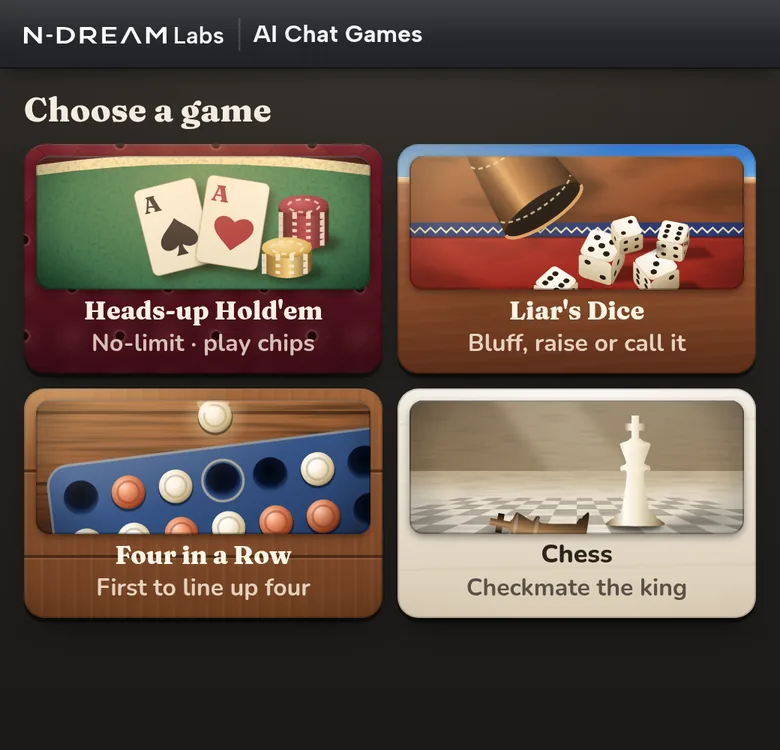
Each game has its own table. Claude plays every one of them against you.
Heads-up Hold'em
No-limit poker, one on one. Claude bets, bluffs and reads your moves.
Liar's Dice
Hidden dice and bold bids. Call Claude a liar, or raise.
Four in a Row
Drop your discs and line up four before Claude does.
Chess
A full game against Claude. Ask for a coach and take moves back.
Not a game engine. Claude.
Claude plays, talks and bluffs
It raises with nothing, calls your bluff and tells you what it thinks of your last move.
Every move is Claude's own
No engine plays for it. The server only keeps the rules and the score, so you play a real opponent.
Everything happens in the chat
No app, no new window. The board sits in your conversation, on the web, desktop and phone.
Good to know
Team and Enterprise plans
Members can't add custom connectors themselves. An Owner adds the Claude connector once for the whole organization, then everyone connects.
Free plan
The Free plan allows one custom connector, so the Claude connector fits.
On your phone
Add and connect the connector once on claude.ai (in any browser) or in Claude Desktop. The Claude app for iOS and Android has it the next time you sign in.
Claude Code
Add it from your terminal:
claude mcp add --transport http ai-chat-games https://play-vs-ai.n-dream.com/mcp